
- Make sure you’re in Administration Mode in the top right corner then click Organisation > Cricket Blast – Junior Blasters Centre Management.
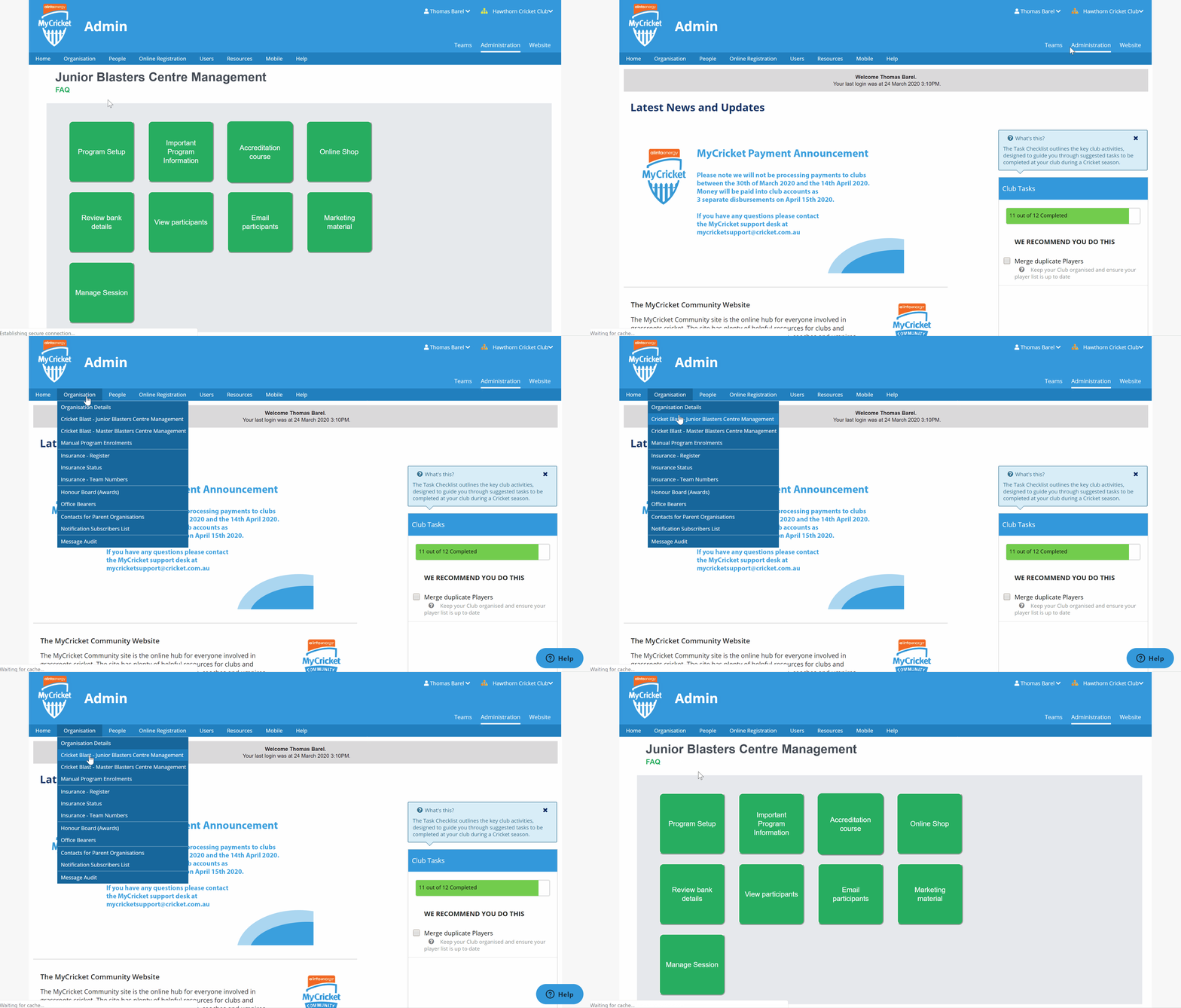
- Click on View Participants and place your registration dates for the previous season then click Go. Eg. 01/06/2019 to 01/04/2020.
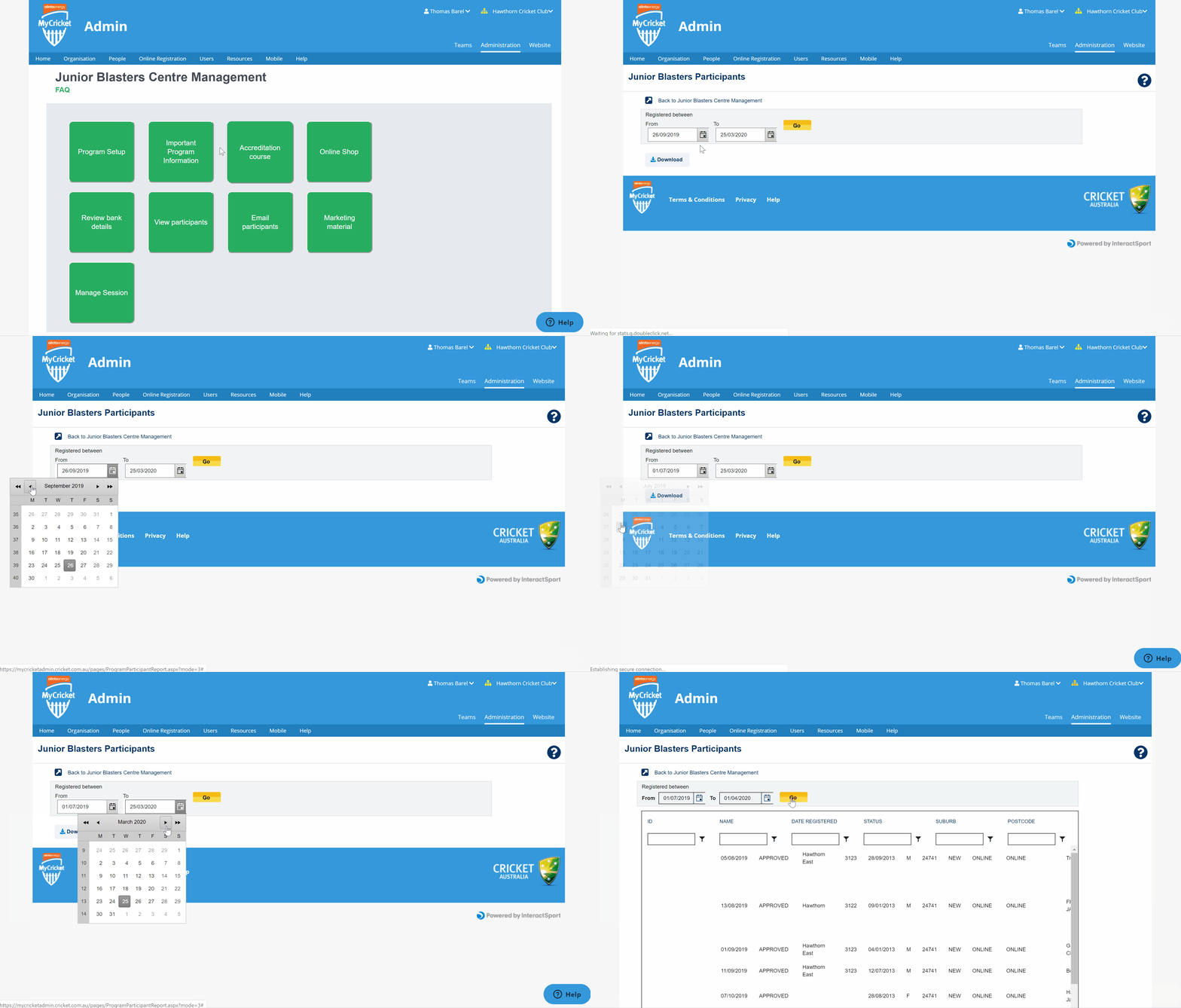
- There is two things you can do from here to access previous participants contact details -
(a) Download an excel spreadsheet of all participants registered during that date range.

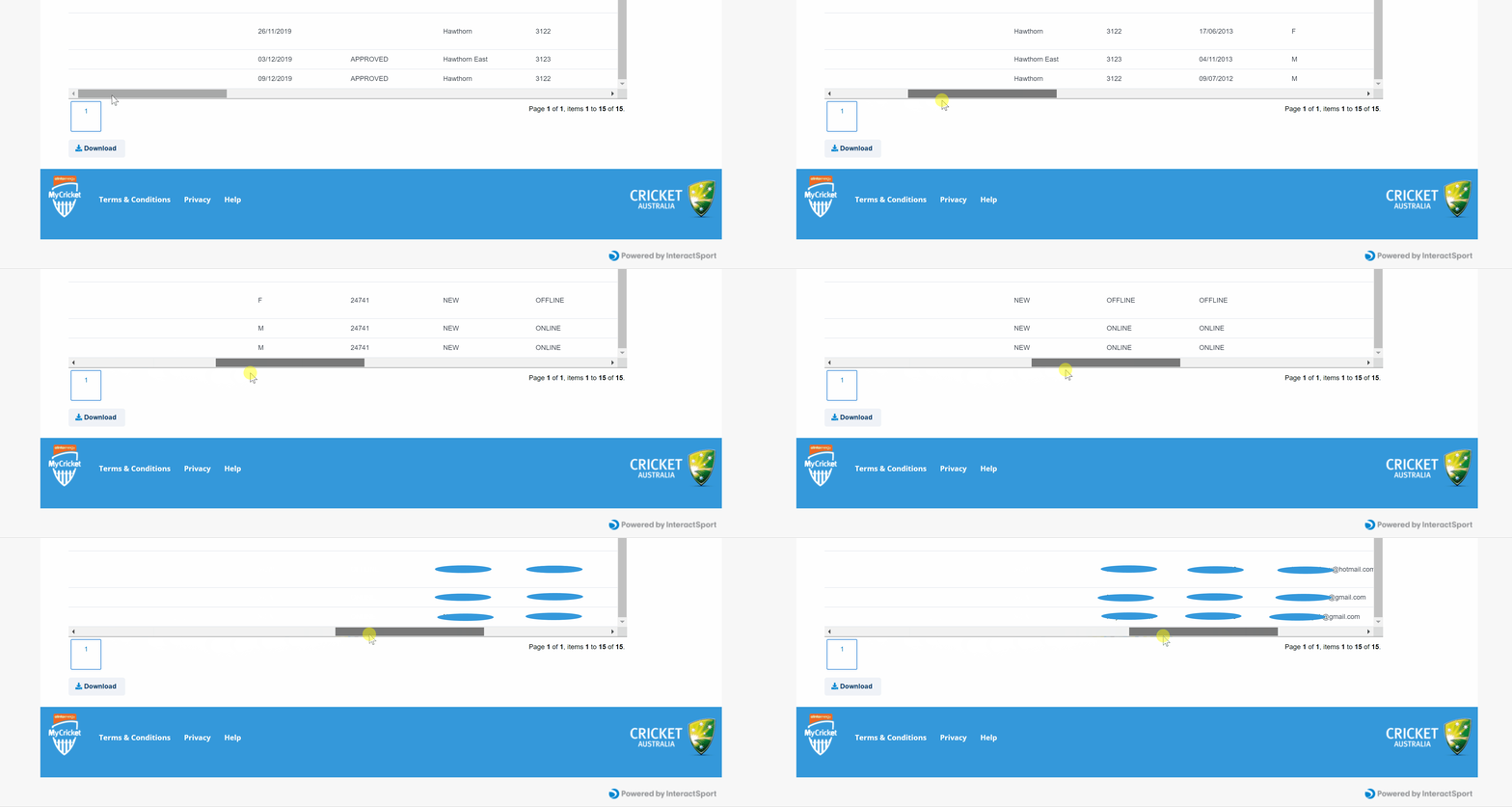
(b) Alternatively go to the bottom of the page and scroll across to the right into you see the parents name, phone number and email address.
Comments
0 comments
Article is closed for comments.