
All participants who have a valid e-mail address in MyCricket may login as a participant in order to pay outstanding fees and/or update their payment details.
Pay outstanding fees/view purchases: Payments > Purchases
If you do have any payments outstanding, then you can pay them through the below steps;
Payments > Purchases
- You can view 'Outstanding Payments' as well as 'My Purchases'
- Click on 'Pay Now' in your Outstanding Payments to open up the payment screen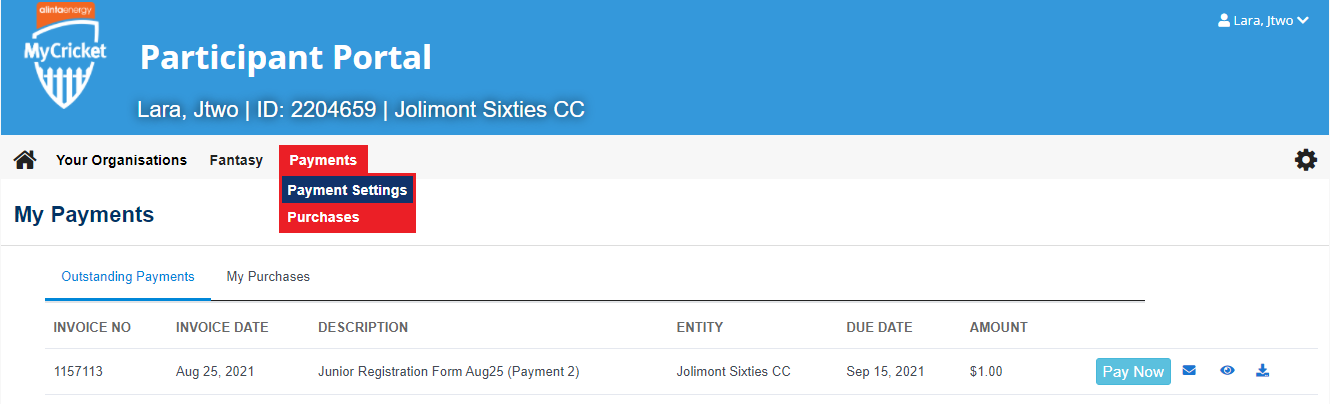
________________________________________________________________________________________________________________
________________________________________________________________________________________________________________________________________________________________________________________________________________________________
Updating card details: Payments > Payment Settings
Please see the GIF and further step-by-step details below in order to update your payment details.
To login, a participant needs to know:
- their ID number - for players* this can be found by doing a player search
- their password
- these details are entered at the login screen
If a participant has never logged in before they will not have been assigned a password. In this case click the link below to create a login, and at the next screen enter your ID number. A password will be immediately emailed provided that a valid email address has been entered against your record. The password may be changed after logging in.
To update your payment details on participant portal:
________________________________________________________________________________________________________________
Step 1: Log into the Participant Portal.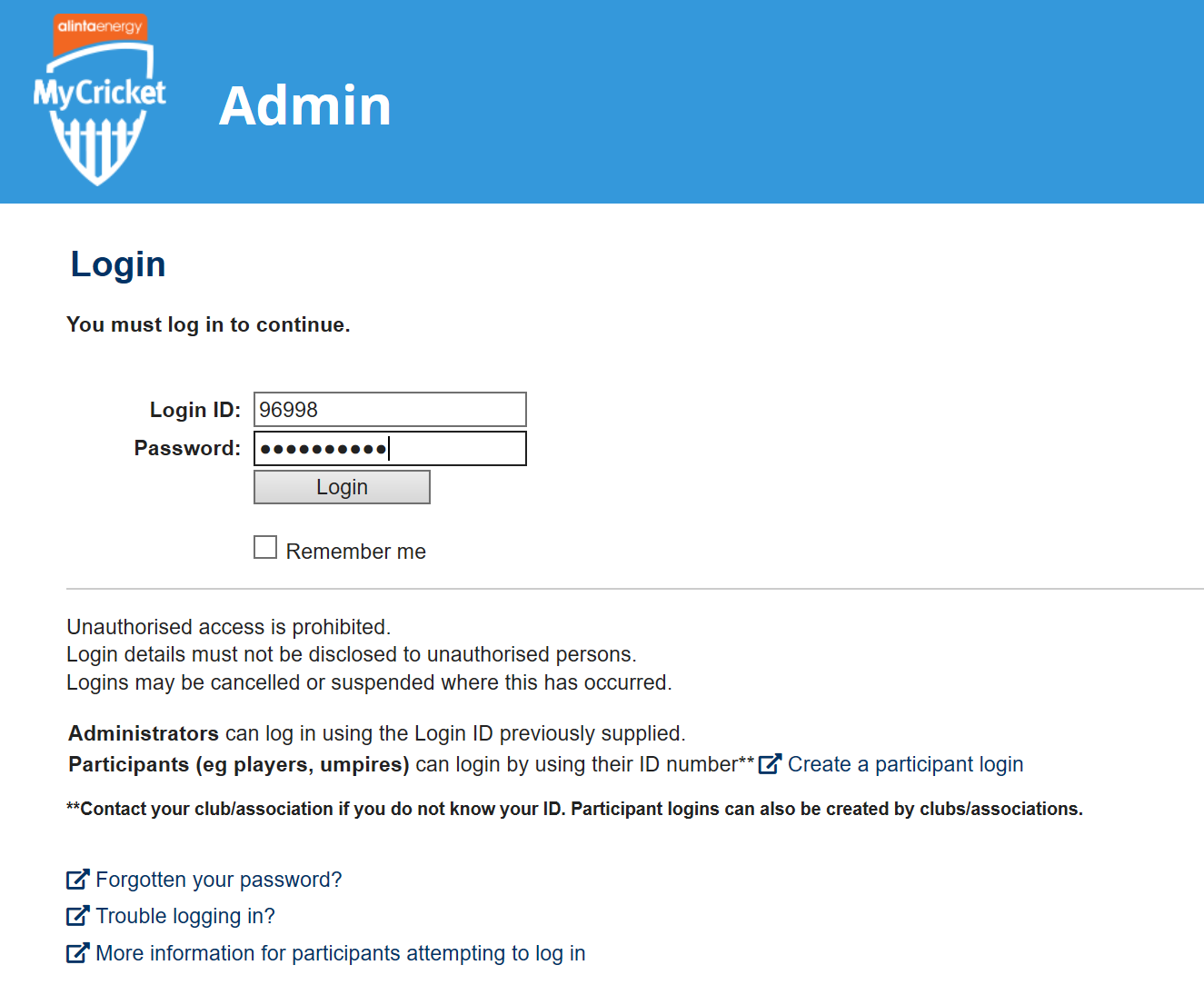
________________________________________________________________________________________________________________
Step 2: Go through Payments > Payment Settings.

________________________________________________________________________________________________________________
Step 3: Update your details on the Stored Credit Cards screen then click 'Save'.

________________________________________________________________________________________________________________________________________________________________________________________________________________________________
Comments
0 comments
Article is closed for comments.